Most teams do not have an AI problem. They have a workflow they have never forced into daylight.
That matters because AI agents are not magic. They are a way to turn a workflow into executable behaviour across tools, data, and decisions. If the workflow is unclear, the agent will not fix it. It will just make the confusion faster, more expensive, and harder to debug.
Short answer
To audit a manual workflow before adding AI agents, map the trigger, intake requirements, systems touched, human handoffs, decisions, exceptions, controls, and downstream outputs. Then baseline time, volume, error, and rework so you can decide whether to automate now, add AI assistance with human review, simplify the process first, or leave it manual.
If you are still choosing which workflow deserves attention, start with the automation pilot intake template for operations teams. If the workflow is already shortlisted, run it through the AI automation readiness scorecard for mid-market teams and the workflow automation ROI calculator for operations teams.
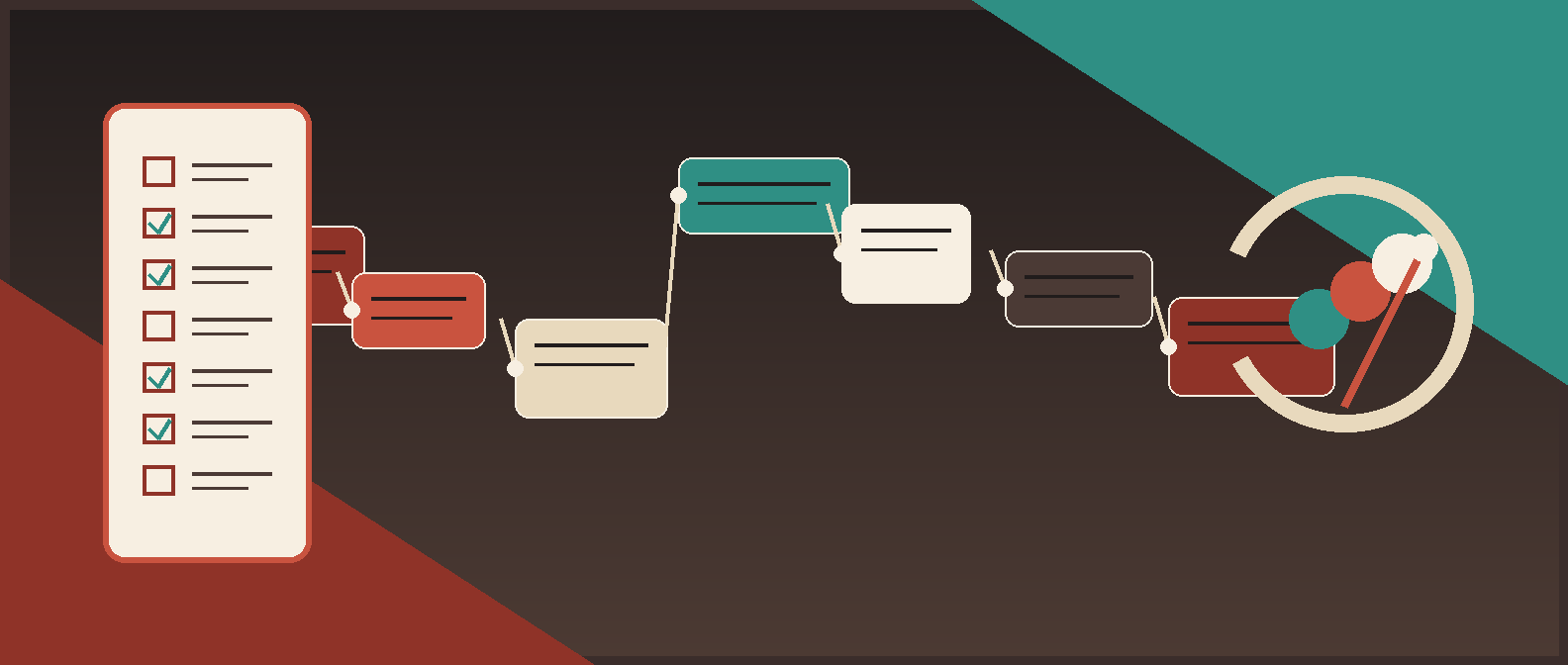
What this audit is trying to prove
The goal is not to produce a pretty diagram for a workshop wall. The goal is to answer four blunt questions:
- What work is actually happening today?
- Which parts are rules, which parts are judgment, and which parts are nonsense caused by bad process?
- What would an agent be allowed to read, decide, write, or trigger?
- Is the workflow worth automating at all?
NIST's AI risk guidance, Google's human-in-the-loop documentation, Microsoft's planning guidance, and Anthropic's work on effective agents all point in the same direction: production AI needs defined scope, clear control points, and a real operating model. Charming demo energy does not count.
The workflow audit method
Use this method before anyone writes prompts, wires connectors, or announces that the team is about to become “AI-native.”
| Audit step | What to capture | Output |
|---|---|---|
| 1. Choose one workflow lane | One narrow manual workflow, not a department-sized blob | Named workflow candidate |
| 2. Pull real examples | 10 to 20 recent cases, including ugly ones | Evidence set |
| 3. Map the work | Trigger, inputs, systems, steps, outputs, handoffs | Current-state map |
| 4. Separate rules from judgment | Deterministic checks vs human decision calls | Automation boundary |
| 5. Log exceptions and controls | Failure modes, overrides, approvals, audit needs | Risk map |
| 6. Baseline effort and ROI | Volume, time, rework, cycle time, business value | ROI baseline |
| 7. Make the readiness decision | Automate, assist, simplify first, or stop | Go/no-go decision |
Step 1: Choose one workflow lane, not a strategic fog bank
Do not audit “finance ops” or “customer onboarding” as a giant category. Pick one lane with a clear start and finish.
Good examples:
- invoice exception triage before finance approval;
- contract intake and routing before legal review;
- vendor onboarding packet validation before ERP setup;
- lead enrichment and qualification before SDR handoff;
- new-hire provisioning requests before IT execution.
Bad examples:
- “all approvals”;
- “our AI automation opportunity”;
- “everything in RevOps”;
- “the onboarding process.”
The narrower lane wins because it exposes the real work: which fields are required, who touches the request, which systems matter, and where the workflow goes sideways. If you need help choosing the lane, pair this article with the AI workflow automation requirements template for operators after the initial intake.
Step 2: Pull real examples before you trust anyone's memory
Interview notes are useful. Historical cases are better.
Pull 10 to 20 recent examples that include:
- normal cases;
- delayed cases;
- rejected cases;
- exception-heavy cases;
- cases where someone had to override policy or clean up after the fact.
For each example, capture:
| Field | What to collect |
|---|---|
| Trigger | What kicked off the work |
| Intake artifact | Form, email, ticket, Slack message, spreadsheet row, portal record |
| Inputs | Attachments, fields, context, linked records |
| Systems touched | Every tool the operator opened, read, or updated |
| Human actions | Checks performed, follow-ups sent, decisions made |
| Handoffs | Who received the work next and how |
| Delays | Where the workflow sat idle |
| Exceptions | Missing data, policy conflicts, duplicate records, unclear ownership |
| Outcome | Approved, rejected, escalated, reworked, cancelled |
This is where the workflow stops lying. Teams often discover that the documented process is not the operational process. The real blocker might be missing data, an absent approver, a broken system-of-record rule, or three people doing the same check in three different tools.
Step 3: Map the workflow in operator language
You do not need BPMN theatre on day one. You need a map that the people doing the work will not laugh at.
Use this audit canvas:
| Workflow element | Questions to answer | Example |
|---|---|---|
| Trigger | What starts the workflow? | Shared inbox receives a vendor packet |
| Intake contract | What must be present to start? | W-9, bank form, legal name, requester, business owner |
| System of record | Which system owns the case? | Procurement tracker |
| Steps | What happens in order? | Validate files, cross-check vendor, route for approval |
| Decisions | What choices are made? | Complete vs incomplete, standard vs exception |
| Handoffs | Who gets the work next? | Procurement to finance to IT |
| Output | What marks the job done? | Vendor is approved and created in ERP |
| Evidence | What must be logged? | Approver, timestamp, supporting docs, exception reason |
If three operators describe the same step differently, the workflow is not ready for agent autonomy. At best, it is ready for observation or drafting support.
Step 4: Separate deterministic rules from human judgment
This is where most AI-agent scoping gets muddled.
Some workflow logic is deterministic:
- a required field is missing;
- the amount exceeds a threshold;
- the vendor already exists;
- the ticket has no owner;
- the contract is missing an attachment;
- the request is overdue by two business days.
Those are good automation candidates.
Some workflow logic is judgment:
- whether the business justification is good enough;
- whether a policy exception is acceptable;
- whether a contract issue is commercially tolerable;
- whether a sensitive case should be escalated.
Those are better candidates for AI assistance plus human review.
Use this table:
| Decision point | Type | Best posture |
|---|---|---|
| Missing required documents | Deterministic rule | Automate validation and route back |
| Duplicate record check | Deterministic with confidence checks | Automate flagging, review uncertain matches |
| Spend threshold routing | Deterministic rule | Automate routing |
| Business exception approval | Human judgment | Human decides; AI can summarize context |
| Legal risk summary | Assisted judgment | AI drafts, human approves |
| Final ERP write | Controlled action | Write only after approval |
Red Brick Labs POV: most first agent deployments should prepare, validate, summarize, and route before they act. Autonomy is not the trophy. Reliable throughput is.
Step 5: Audit handoffs, exceptions, and control points
The happy path is cheap. The architecture lives in the exceptions.
For every workflow, document:
- where requests get stuck;
- how operators know something is wrong;
- who owns the exception;
- what evidence is needed to resolve it;
- what should happen if the agent is uncertain;
- which actions require human approval;
- what must be logged for audit or debugging.
Use an exception table like this:
| Exception | Detection rule | System action | Human owner |
|---|---|---|---|
| Missing required file | Attachment absent | Mark incomplete and request missing item | Requester or coordinator |
| Low-confidence extraction | Field validation fails or confidence is low | Route to review queue | Operations owner |
| Duplicate vendor or account | Two plausible matches | Block update and escalate | RevOps or finance |
| Policy-sensitive request | Threshold, clause, or data risk crossed | Do not auto-approve | Named approver |
| Downstream system failure | API or connector fails | Retry, then alert | Technical owner |
This is where human-in-the-loop design earns its keep. Google Cloud's Human-in-the-Loop guidance exists for a reason: some workflows need structured review queues and explicit approval paths, not a smug agent with write access.
Step 6: Baseline the workflow before promising ROI
Do not tell yourself a workflow is valuable because it feels annoying. Measure it.
At minimum, capture:
| Metric | What to baseline |
|---|---|
| Volume | Cases per day, week, or month |
| Manual effort | Average minutes per case |
| Cycle time | Time from trigger to completion |
| Rework rate | How often a case must be corrected or sent back |
| Exception rate | How often the workflow leaves the happy path |
| Error or risk cost | Missed SLA, payment delay, compliance exposure, lost revenue, bad data |
| Owner load | Which team carries the pain |
Then translate the workflow into a practical business case using the workflow automation ROI calculator for operations teams.
A simple operator baseline
If a workflow runs 400 times per month, takes 12 minutes per case, and 25% of cases require a second pass, you already know three important things:
- there is enough volume to matter;
- the process likely has validation or handoff issues;
- an agent that only handles the happy path will disappoint you.
That does not mean “do not automate.” It means the audit should shape the build boundary.
Step 7: Make the readiness decision
Every audit should end with a decision, not a vague sense that the team learned something.
Use this matrix:
| Condition | Recommended move |
|---|---|
| Clear trigger, stable intake, accessible systems, manageable exceptions, measurable ROI | Automate now |
| Workflow is clear but includes judgment-heavy steps or policy risk | Use AI assistance with human review |
| Ownership, inputs, or system-of-record rules are fuzzy | Simplify the workflow first |
| Low volume, low pain, weak ROI, or politically messy process | Leave it manual for now |
If the workflow is promising, convert the audit into implementation requirements and a launch plan. The next logical handoff is the AI workflow automation requirements template for operators, then the operating model behind AI agent workflows.
A concrete operator example
Say a finance team wants an AI agent for invoice exception handling.
Bad starting point:
Build an agent that handles invoice exceptions.
Audited version:
| Audit area | What the team learns |
|---|---|
| Trigger | Exception starts when OCR or AP matching flags missing PO, duplicate risk, or amount mismatch |
| Intake | Invoice PDF, vendor record, PO number, owner, due date, exception code |
| Systems | AP inbox, OCR tool, ERP, exception tracker, Slack alerts |
| Handoffs | AP analyst reviews, finance approver handles threshold exceptions |
| Rules | Missing PO and duplicate checks are deterministic |
| Judgment | Payment urgency and policy overrides require finance review |
| Exceptions | New vendor bank detail changes always escalate |
| ROI baseline | High volume and repeat handling time justify a scoped pilot |
| Decision | Automate intake, classification, routing, reminders, and summaries; keep payment-risk approvals human |
That is a buildable workflow. The unaudited version is just a wish wearing technical language.
Red Brick Labs POV
Most teams reach for AI agents one step too early.
The better sequence is:
- isolate one painful workflow lane;
- audit how the work actually moves;
- remove obvious process stupidity;
- define where rules end and judgment begins;
- baseline the economics;
- only then decide whether the workflow deserves agents, conventional automation, or both.
In practice, the first win is often not a fully autonomous agent. It is a controlled workflow that validates intake, assembles context, routes work, drafts outputs, and keeps humans at the high-risk decision points. That is less glamorous. It is also how production systems survive contact with Monday morning.
Audit checklist you can run this week
Use this before kickoff:
| Checklist item | Yes / No |
|---|---|
| We can name one narrow workflow lane | |
| We have 10 to 20 real historical examples | |
| We know the trigger and intake contract | |
| We know which system is the source of truth | |
| We can list every human handoff | |
| We can separate rules from judgment | |
| We know the top exception paths | |
| We know where humans must approve | |
| We have baseline volume, time, and rework data | |
| We can state a go, no-go, or simplify-first decision |
If you cannot tick most of these, do not give an agent broad tool access yet. That is not caution for its own sake. That is basic operational hygiene.
CTA
If your team is staring at a manual workflow and wondering whether it deserves AI agents, Red Brick Labs can audit the process, define the control points, and turn the result into a production build plan the business can actually own. That usually starts with one workflow lane, one scorecard, and one unglamorous hour spent making the mess visible.
Audit the workflow before you automate it: Red Brick Labs helps operators audit manual workflows, define the control points, baseline the ROI, and ship production AI systems without turning process ambiguity into faster failure.